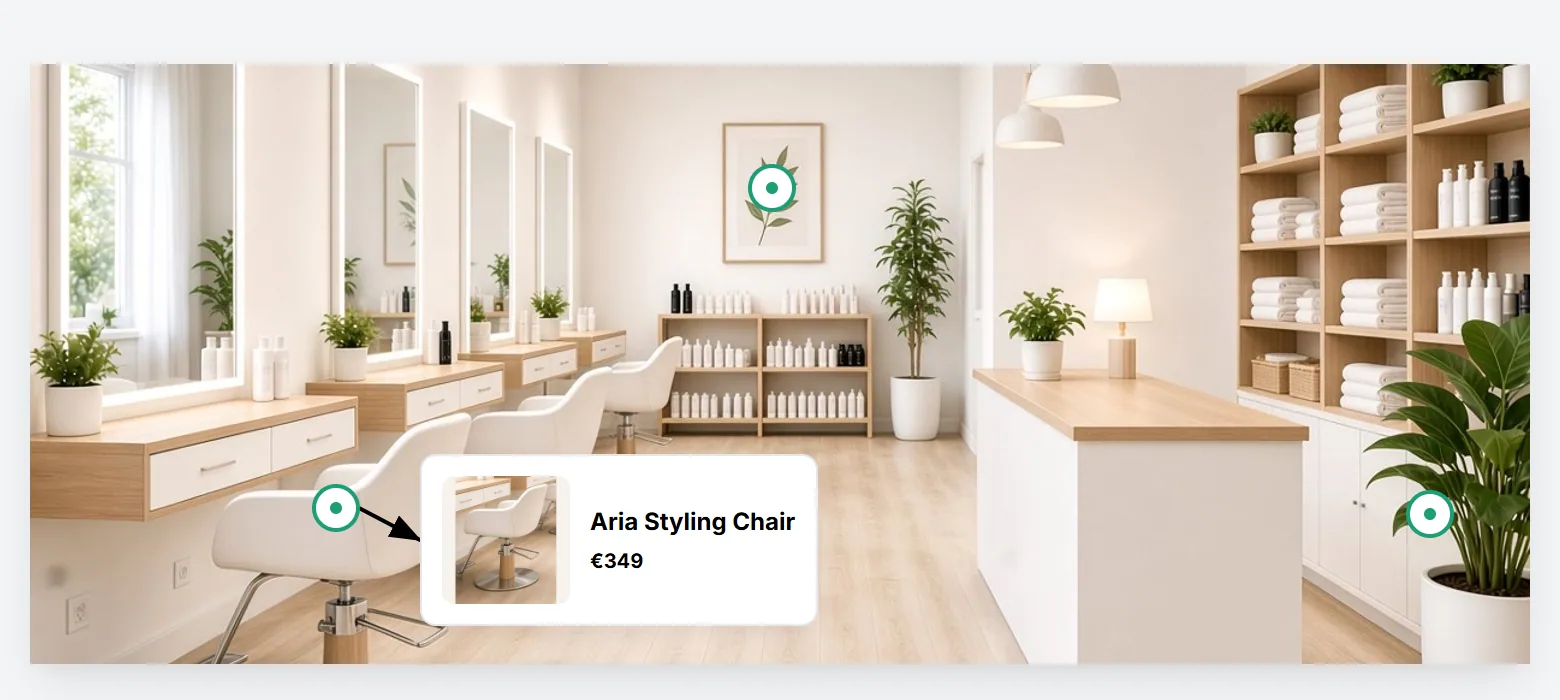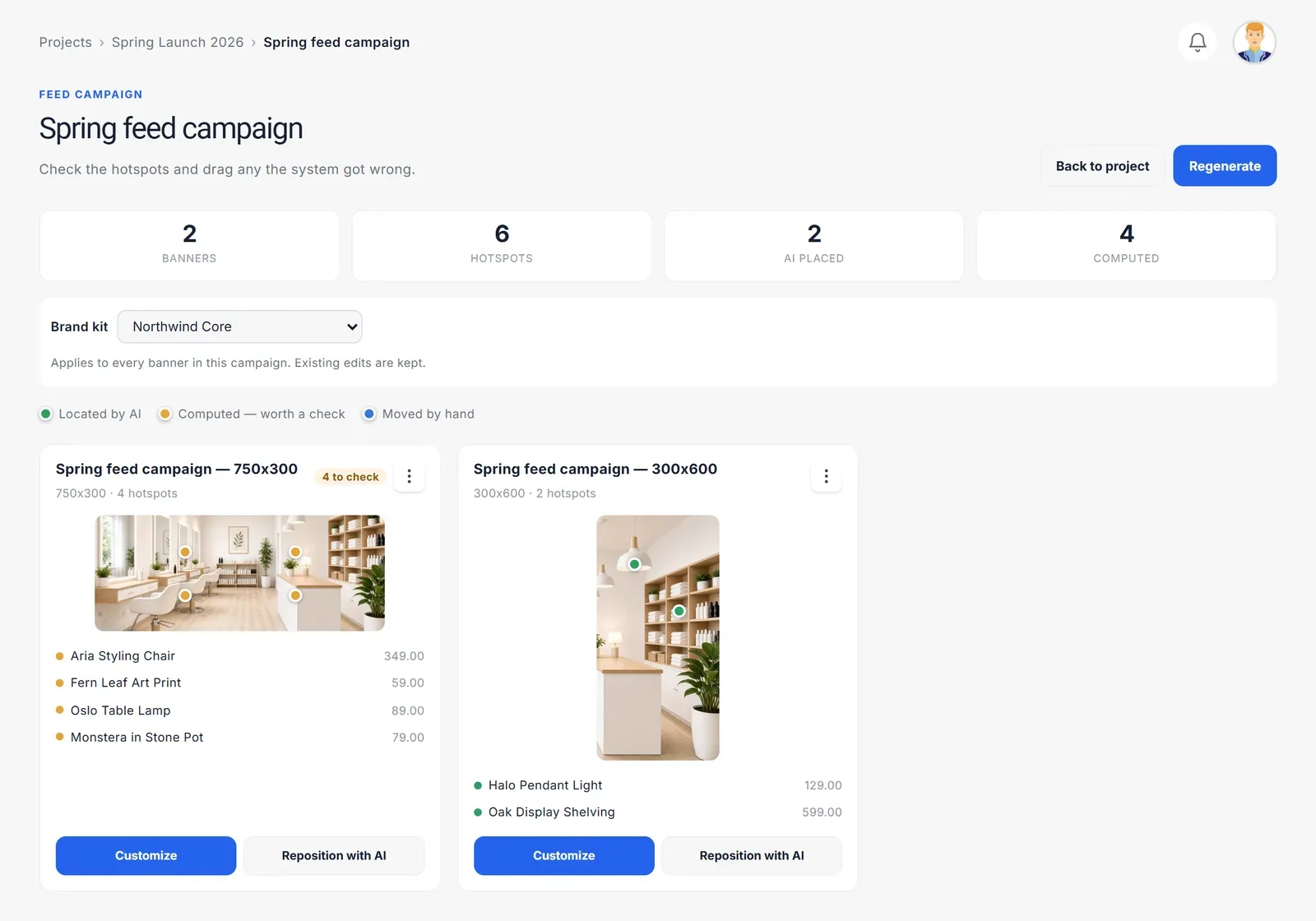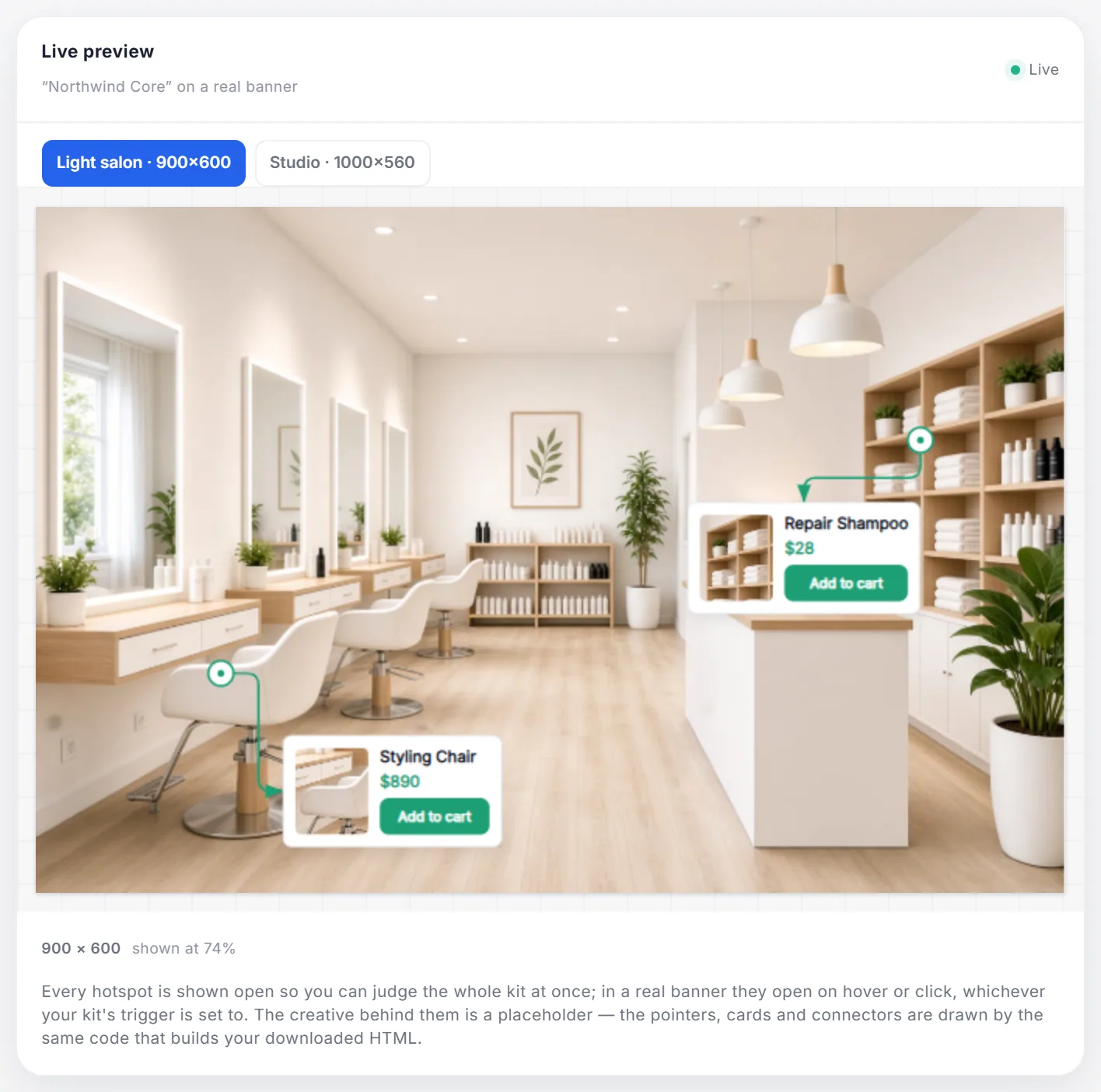
Every shoppable banner is built from three simple parts. Getting each one right is most of what separates a banner people explore from one they scroll past.
Hotspots: an invitation, not an instruction
A hotspot is a small marker placed on a product in the image. Its job is to say "there is something here" without shouting. Good hotspots:
- Sit on the product, not beside it, so it is obvious what each one is about.
- Stand out from the image through colour and contrast — a green dot on a green sofa disappears.
- Move a little, if anything. A gentle pulse draws the eye; constant motion becomes noise.
- Are few. Three to five on a standard banner is plenty. More, and the tooltips start covering the products they describe.
Tooltips: answer the first question
When someone hovers over a hotspot, the tooltip answers the question they just asked: what is that, and how much? That means:
- A short name — Oak Lounge Chair, not the full product description.
- The price, written the way your shop writes it.
- A photo, when the product is small in the main image.
- One clear action — the whole card links to the product, with an optional button for a different action such as Add to cart.
Consistency matters as much as content. Tooltips that share one template, one type style and one colour scheme read as part of the brand rather than as a collection of stickers.
Clickable elements: one click, the right page
An interactive banner can have several clickable parts — each tooltip card, a call-to-action button, or the whole banner when it is used as a single click-through. The rule is simple: every click should land on the page the viewer expects. A click on the lamp opens the lamp. If the page they land on makes them search again, the interactivity was wasted.
Two habits keep this honest:
- Test every link before the banner goes live. More links means more chances for one to be wrong.
- Tag your links with campaign parameters, so your analytics can tell which banner — and which product — sent each visit.
Hover, click and touch
On a desktop, tooltips usually open on hover; on a phone there is no hover, so they open on tap. Design for both: keep the important information inside the tooltip, not in a hover effect alone, and make hotspots big enough to hit with a finger.
Putting it together
The best interactive banners feel effortless: a beautiful image, a few discreet markers, a tooltip that answers exactly the right question, and a click that goes exactly where you expected. Each part is simple — the craft is in keeping all of them simple at once.
See them working together in the live demo, or read how to plan a more engaging display campaign.